
Clear your cache and hard-reload
A stale cache can show outdated pages or a viewer that won’t update.
Hard reload
- Windows: Ctrl + Shift + R
- Mac: Cmd + Shift + R
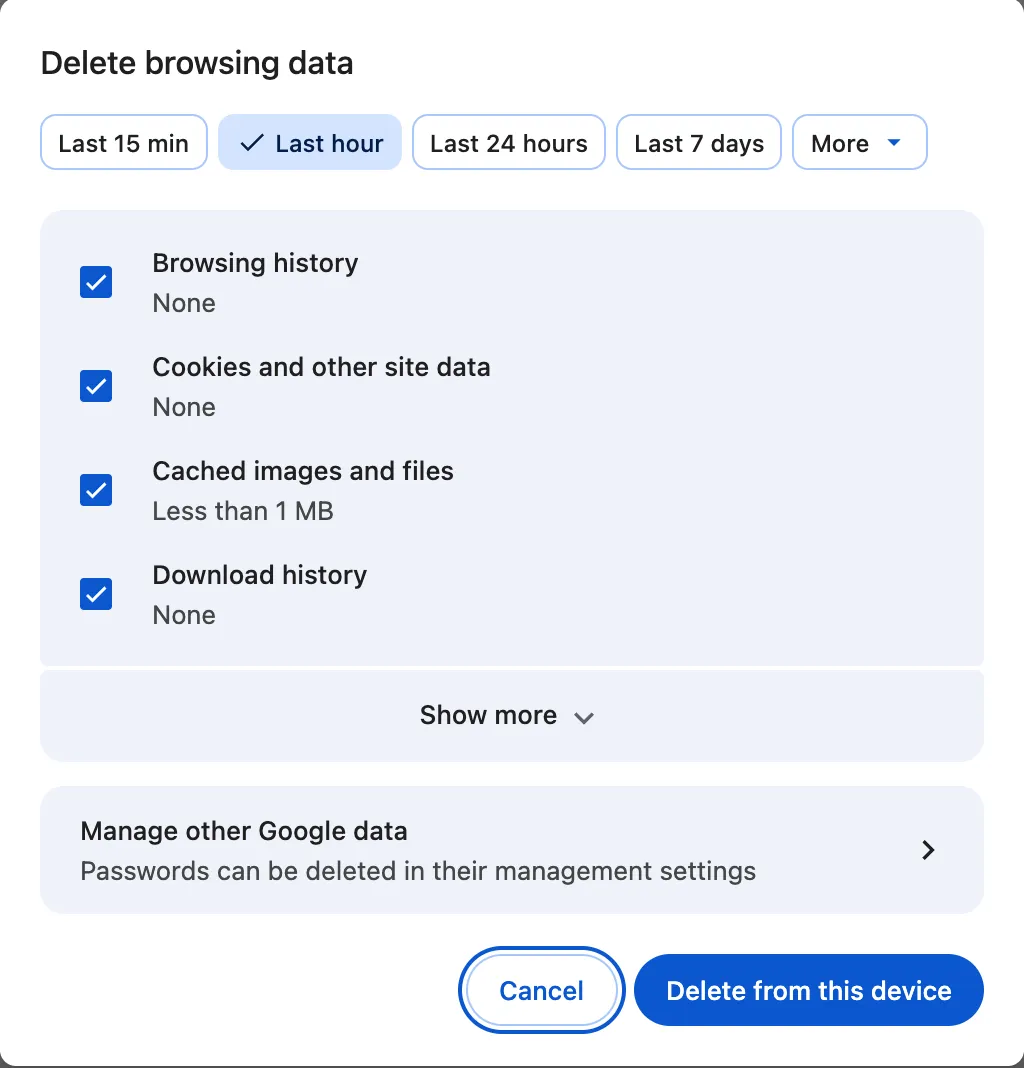
If it persists, clear the browser cache and reload. In Chrome: Settings → Privacy and security → Delete browsing data, select Cached images and files, then Delete from this device.
Still stuck?
Check the Requirements: browser, JavaScript, cookies and network.
Open a ticket