
Allow cookies (including third-party)
Cookies keep you signed in and let embedded viewers load. Blocking them — especially third-party cookies — breaks login and embeds.
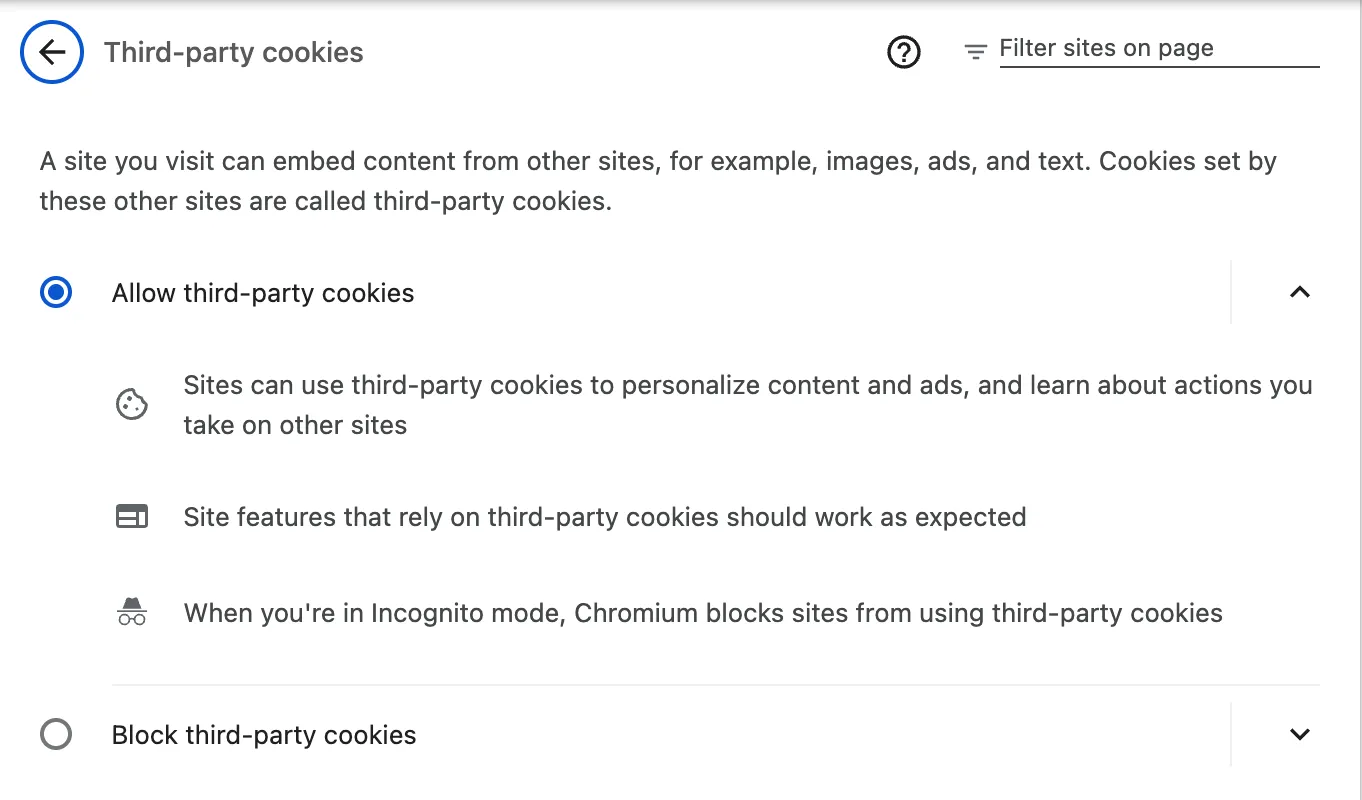
Allow cookies for vuframe.com and its subdomains. For embeds on your own site, also allow third-party cookies or add vuframe.com as an exception.
In Chrome: Settings → Privacy and security → Third-party cookies.
Still stuck?
Check the Requirements: browser, JavaScript, cookies and network.
Open a ticket